Guide · equalisation
Finding Mud Between 200 and 400 Hz
Nearly every instrument has something in the low midrange. When six of them overlap in the same third of an octave, the mix stops sounding warm and starts sounding thick.
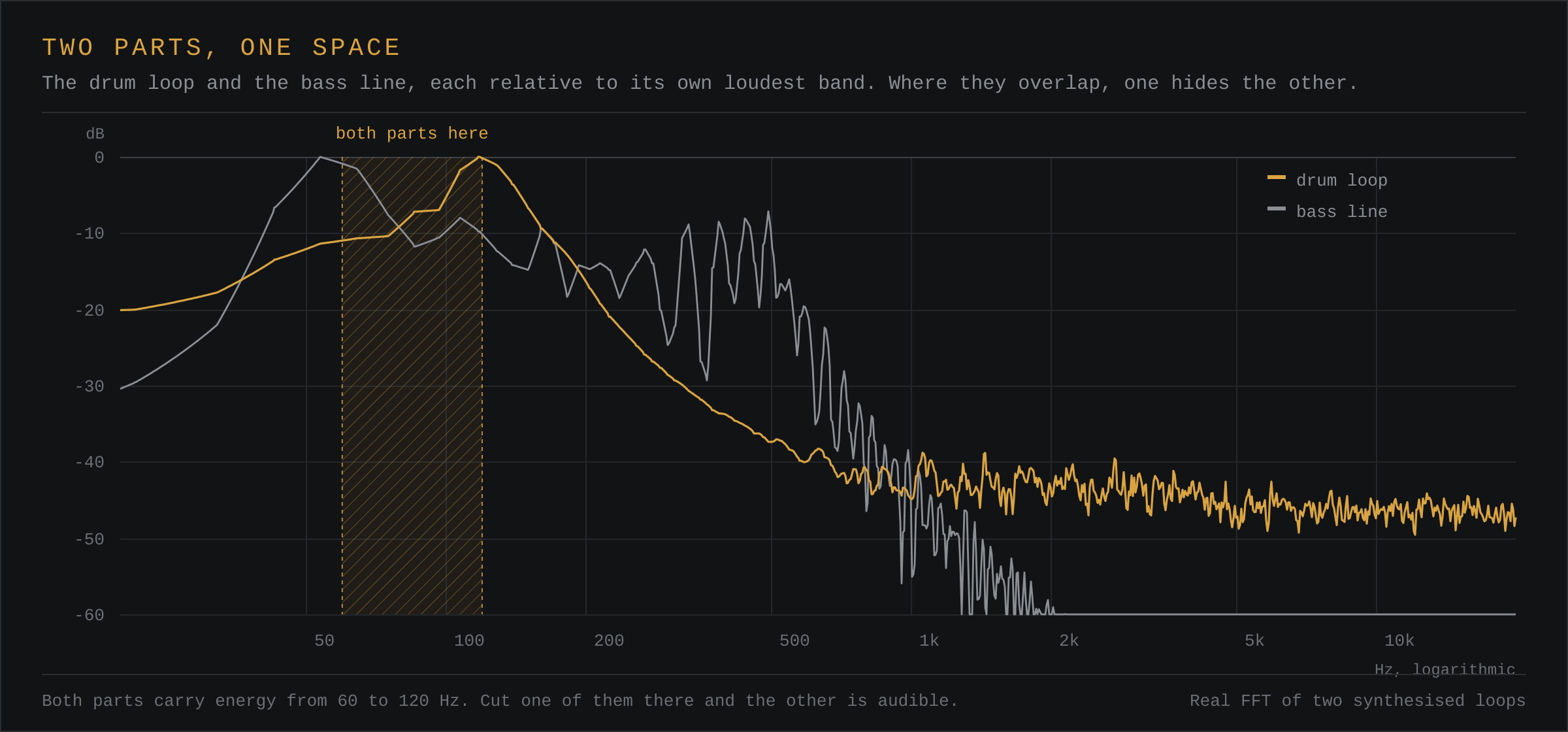
Why It Accumulates
The 200–400 Hz region is where the fundamental of a male vocal, the body of a snare, the lower registers of a guitar, the attack of a bass and the room tone of a drum recording can all land at once. Each source is unremarkable on its own. Together they produce a region that is louder than the octaves either side of it, and the ear reads that as congestion.
How to Hear It
Use a narrow boost and sweep. Raise a bell by 6 dB with a Q around 2 and move it slowly between 150 and 500 Hz while the full mix plays. At some point the mix will sound like it is coming through a cardboard box. That frequency is your problem, but do not cut yet: sweep further to confirm it is the worst spot rather than simply the loudest one.
A more reliable method is to listen for what disappears when you cut. A well-placed cut should make the mix feel clearer without making anything sound thinner. If the vocal loses its body, you are too high or too wide.
Where to Cut, and How Much
2 to 4 dB is usually enough. Start at 300 Hz with a Q between 1 and 1.5 and widen the cut only if the whole region is heavy. Narrow, deep cuts are for resonances — a ring in a snare, a honk in a guitar — not for the general thickness of a mix.
Cutting one source is almost always better than cutting the mix. If the kick and the bass both have a bump at 250 Hz, take it from the bass and leave the kick alone; the low end will feel firmer for it.
What Not to Do
- Do not boost the top end to compensate. That trades mud for harshness.
- Do not cut every channel at the same frequency; the cumulative effect hollows the mix.
- Do not trust a single listen. Two or three passes at different volumes will catch mistakes.
Mud Is Not Always a Frequency Problem
Before you open an equaliser, check the arrangement. Two instruments playing the same register at the same time will sound thick no matter how carefully each one is filtered, because the congestion is in the writing, not in the tone. Moving one part up an octave, or having it drop out for a bar, fixes in a second what an EQ can only disguise.
Level is the next thing to check. A part that is 3 dB too loud will dominate a frequency range simply by being louder than everything near it, and the graph will show exactly the hump you are tempted to cut. Pulling the fader down may resolve it with no filtering at all, and you will not have removed any of the instrument's body in the process.
Why the Region Keeps Coming Back
The low midrange is where the ear is most sensitive to the difference between clarity and congestion, and it is also where the largest number of sources overlap. A four-piece band has maybe three instruments with meaningful energy between 200 and 400 Hz; a dense production can have a dozen. As you add parts, the region fills up again even after you have cleaned it, which is why the fix is usually repeated at each stage of the mix rather than applied once at the end.
The other reason is room. A small untreated room emphasises exactly this band, so a mix judged in one will tend to be cut too far, and one judged on headphones will tend to be cut too little. Checking on both is the only reliable answer.
A Short Procedure
- Play the full mix and decide whether it is thick or merely warm. If it is warm, stop.
- Confirm on the analyser that the 200 to 400 Hz band sits above its neighbours for more than a moment.
- Find the one part contributing most, usually the loudest or the lowest-pitched, and work on that part alone.
- Cut 2 to 4 dB with a moderate Q, then bypass the cut and compare at matched level.
- Repeat on the next part only if the mix still feels congested.
Questions
What frequency is mud in a mix?
Usually between 200 and 400 Hz, with the worst of it around 250 to 300 Hz. Below that the ear hears weight rather than thickness, and above it the region starts to read as boxiness or honk instead.
Should I cut mud on the master or on the individual tracks?
On the tracks, and on one at a time. A master cut removes the band from everything at once, which hollows the mix. Per-track cuts let you remove the overlap from the part that can spare it and leave the body where it is needed.
How much cut is too much?
If a bypass comparison makes the mix sound thinner rather than clearer, the cut has gone too far. Two to four decibels with a moderate Q is the usual range; more than that is either a resonance, which needs a narrow cut, or a sign that the problem is arrangement rather than EQ.
Does a high-pass filter help with mud?
Not directly, because a high-pass at 80 or 100 Hz sits below the region. It helps indirectly by stopping low-frequency energy from reaching a compressor or a limiter and causing the whole mix to duck, which can make the low midrange appear to swell.